




How to install, activate McAfee Antivirus
Introduction :
Mcafee Total Protection defends your device against viruses, online threats and ransomware attacks. It also ensures device optimization and keeps it safe from fraudulent websites.
McAfee Internet Security is a security feature that protects you while you surf and helps you avoid spam and any potentially dangerous downloads.
Mcafee Internet Security protege su navegación por Internet, sus compras y sus operaciones bancarias en línea. Mcafee Internet Security le protege automáticamente a usted y a sus dispositivos contra el malware, los piratas y el robo de identidad. También puede decidir qué contenido pueden ver sus hijos.
In this guide, we will explain how to install and activate McAfee Antivirus.
-
Requirements
- McAfee Antivirus download file.
- Operating System:Windows 11, Windows 10, Windows 8.1, Windows 8, Windows 7. Build 4.11.1 or higher: macOS 10.15 and above, Build 4.9.1: macOS 10.12 - 10.14.
-
Steps to follow
-
-
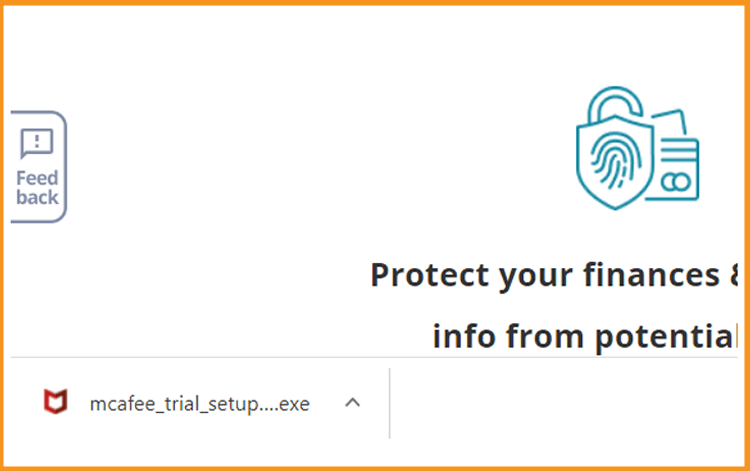
Download your McAfee Total Protection, McAfee internet Security or McAfee LiveSafe:
-
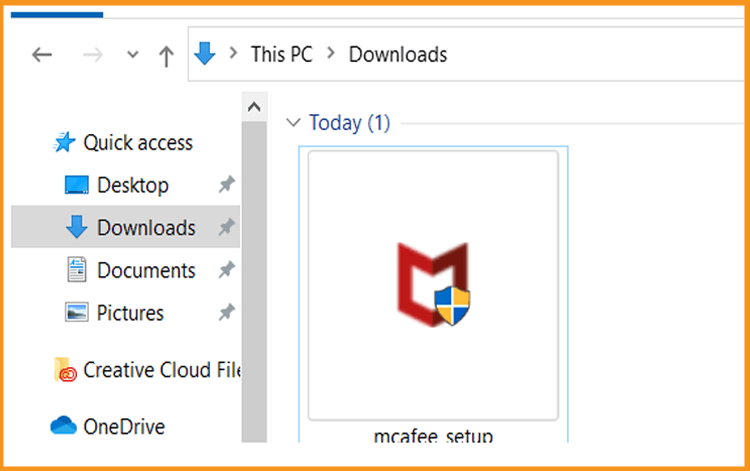
Double click the file downloaded to start the installation.
-
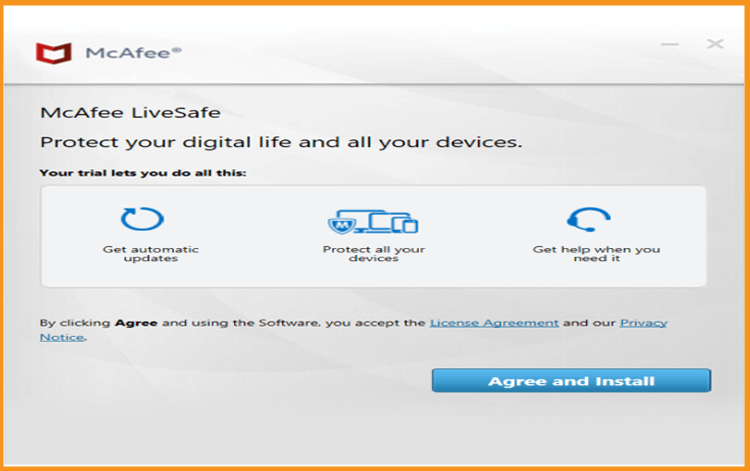
Click on Agree and Install to run the installation of your McAfee software.
-
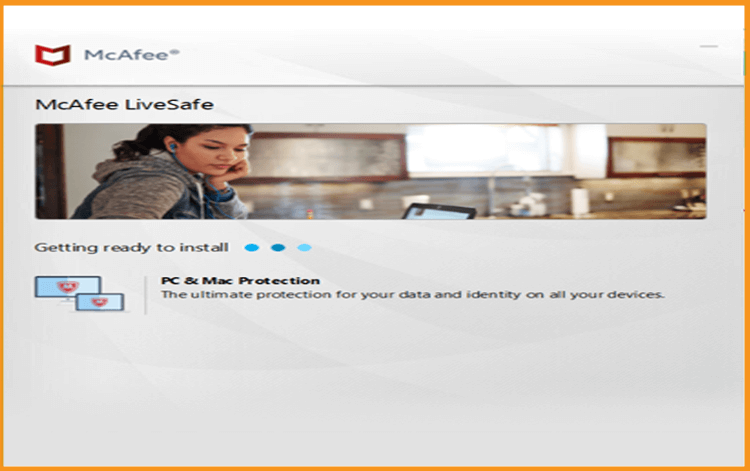
Wait a few moments while McAfee is being installed.
-
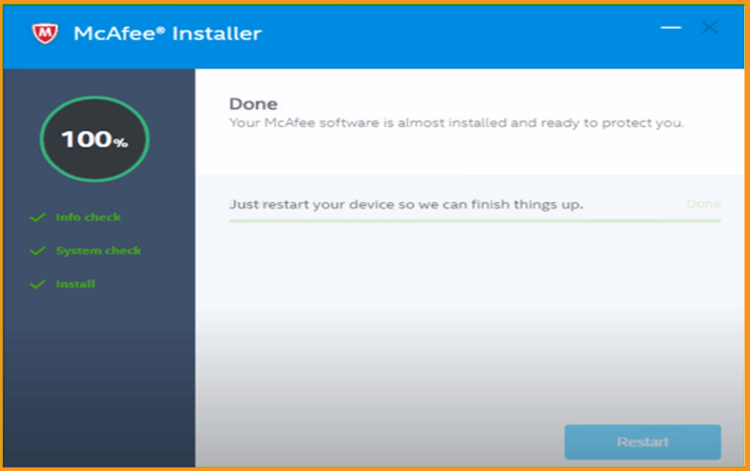
You are all set now! Restart your device to complete protection.
-

